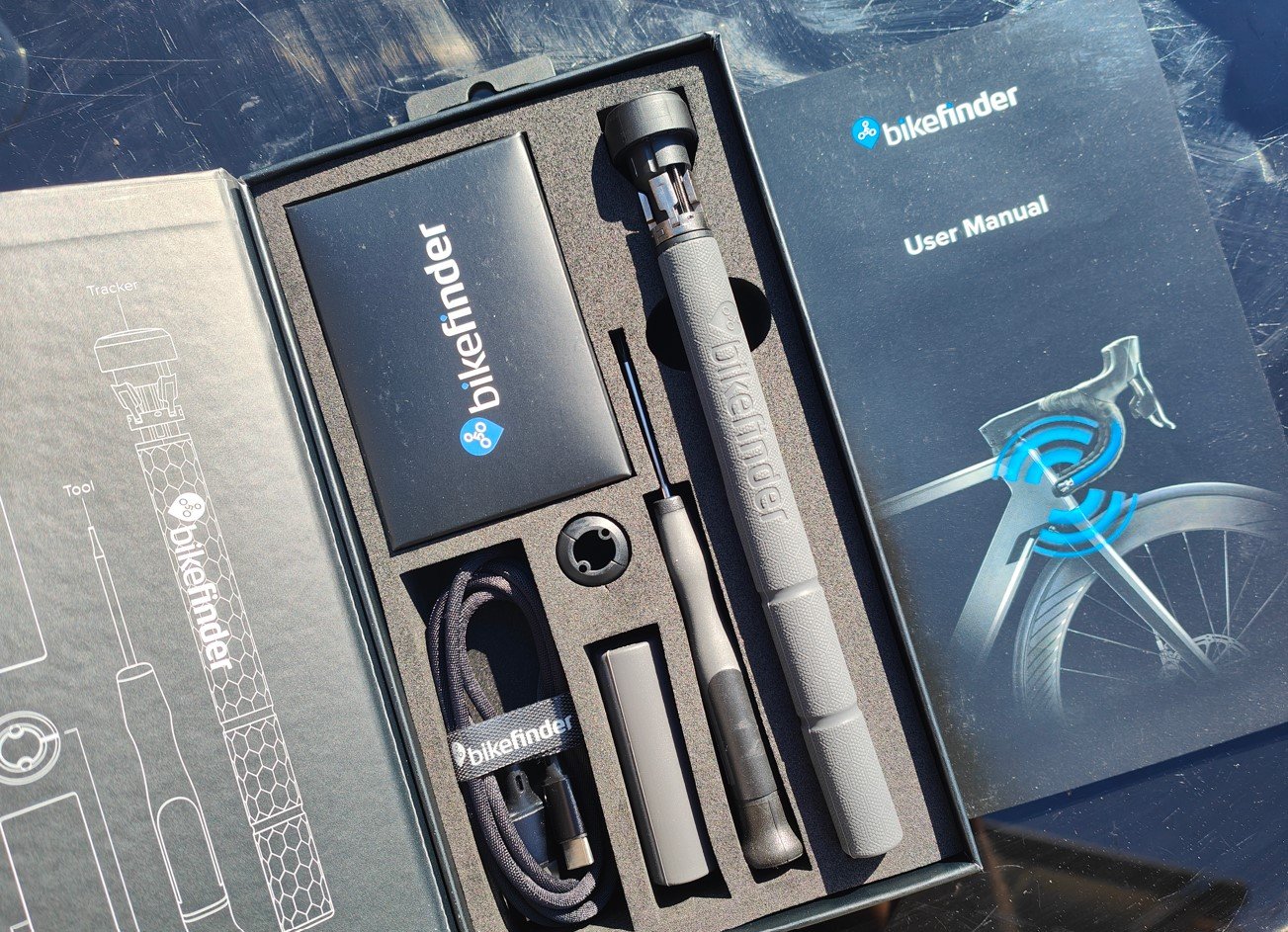
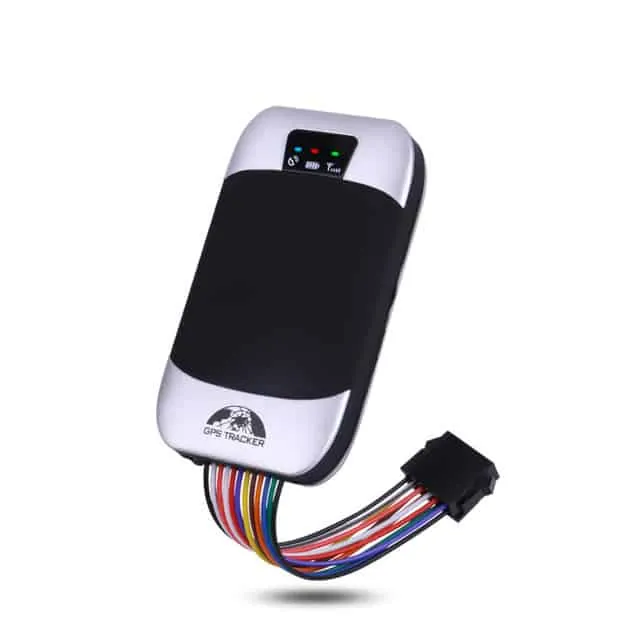
A gps tracker is a small device that uses satellite signals to show the exact location of a vehicle or item on a map. It receives data from multiple satellites to calculate its position, then sends that coordinate information to your phone or computer through a cellular network.
Parts of tracking systems
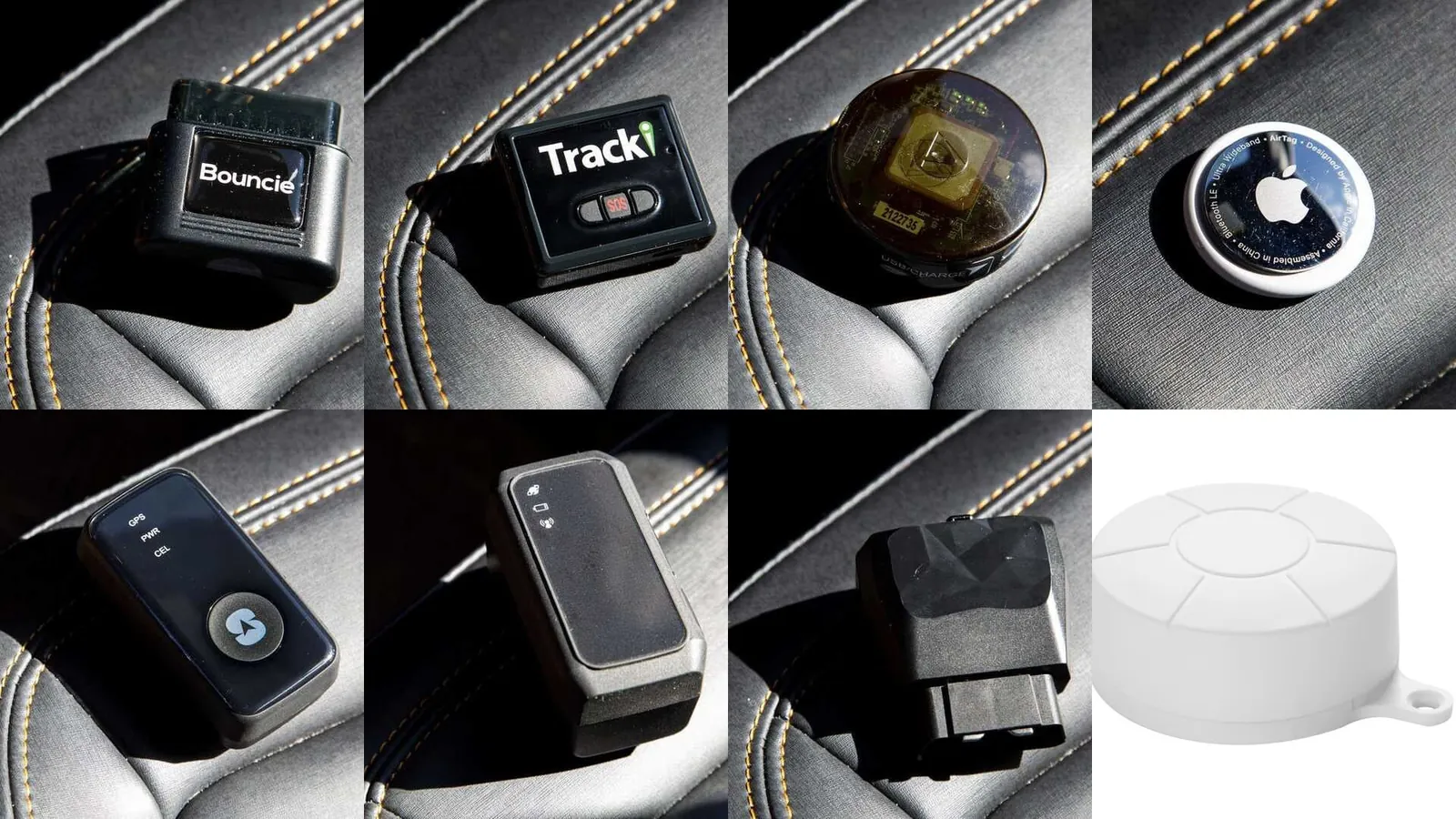
The system relies on several inputs to keep you updated on location.
| Part or input | What it does | What you notice when it goes wrong |
|---|---|---|
| Satellite signals | Provides raw location data | Location shows as inaccurate or jumping |
| SIM card | Connects device to cellular network | No updates received on your phone |
| Internal battery | Powers the device components | Tracking stops suddenly after a few days |
| Motion sensor | Detects movement to save power | Device stays asleep while moving |
| Cloud server | Stores and displays the data | App shows old or missing history |
How the tracking process works
The device follows a cycle to report movement. If the signal is weak, the device may take longer to send its first update.
- The device starts by locking onto signals from at least four satellites to determine its precise latitude and longitude.
- An internal motion sensor detects when the object begins to move, which triggers the device to wake up from sleep.
- The unit captures the current coordinates and adds a timestamp to the data packet, usually taking 5 to 30 seconds.
- It sends this packet via the cellular network to the manufacturer’s server, which takes about 2 to 10 seconds.
- Your phone or computer app requests the latest data from the server and updates the map for you to see.
- The device returns to a low-power sleep state until the next motion trigger or the next scheduled time interval occurs.
Why signal quality changes
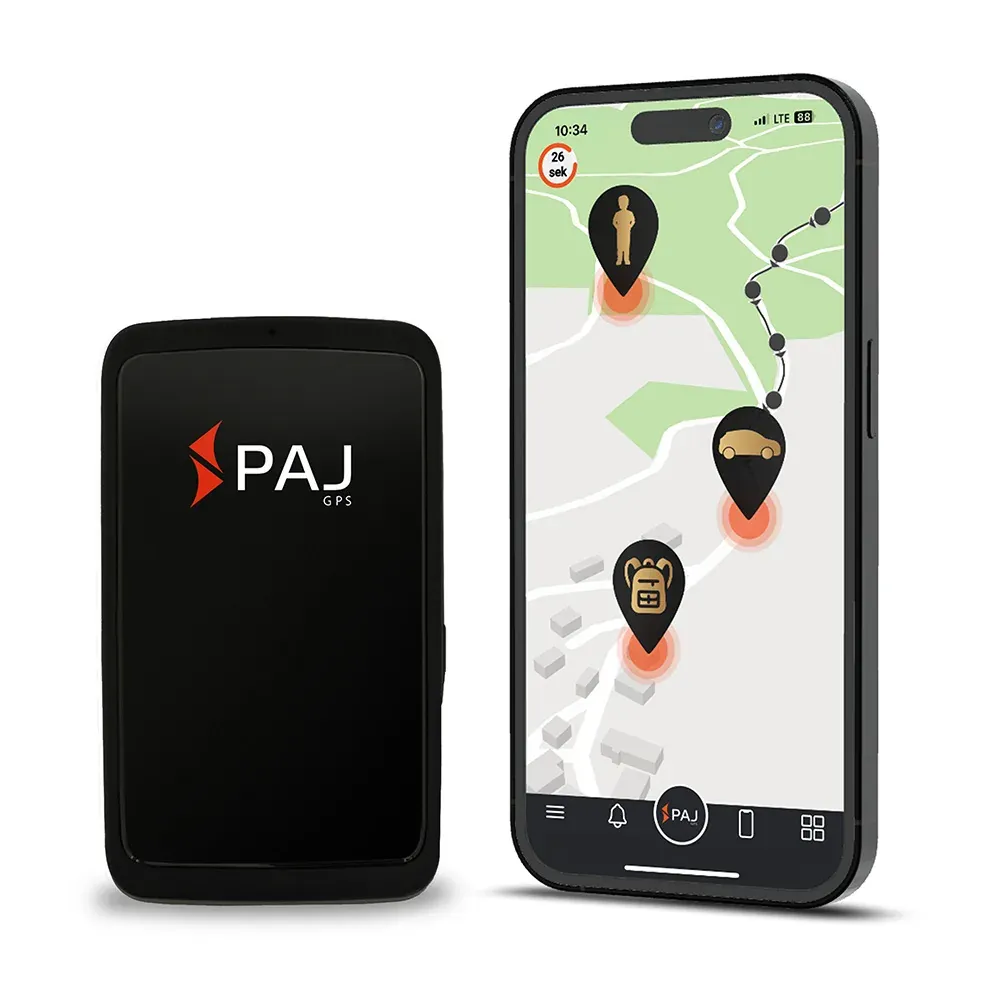
The accuracy of a tracking unit depends on its ability to maintain a clear line of sight to the sky. Buildings, tunnels, and dense foliage block satellite signals, which causes the device to lose its “fix.” When this happens, the location on your app might freeze at the last known point before the signal was lost.
You might also notice the location jumps suddenly. If your tracker is inside a metal container, the metal acts as a shield, making it nearly impossible for the unit to communicate.
Controls and design limits
Things you control
- Placement of the device to ensure a clear view of the sky.
- Frequency of location updates within the app settings menu.
- Charging schedule for internal batteries to prevent total power loss.
- Alert boundaries set on the map to trigger notifications.
Fixed design limits
- The sensitivity of the internal antenna is set at the factory.
- Cellular network coverage depends on your local service provider.
- The processing speed is limited by the hardware chip inside.
Hire a professional for hard-wired installations. Improper electrical work can void your warranty or cause a fire.
Habits for better GPS tracker use
Consistent use helps spot issues early. Check battery levels weekly for portable units. Charge below 20% to avoid gaps in history. Check accuracy monthly against a known address. Keep the app updated for security and improvements.
Related guides
Frequently asked questions
How long does the battery last?
The battery typically lasts between 3 and 14 days, depending on how often you set the device to report its location and how much the object moves each day.
Is it safe to leave in a car?
It’s safe to leave in a car, provided you follow the manufacturer’s instructions for mounting to ensure the device doesn’t interfere with the driver’s visibility or controls.
Why is the location wrong?
The location is wrong because the device is likely struggling to get a clear signal due to being inside a garage, under a bridge, or surrounded by tall buildings.
Does it work without a subscription?
It doesn’t work without a subscription because the device requires a cellular data plan to send its location data from the satellite fix to your personal viewing app.
How often does it update?
It updates every 30 seconds to 60 minutes, depending on the specific power-saving settings you have chosen in your account dashboard to balance battery life against reporting detail.
What happens if the network is down?
The device will store the location data in its internal memory and upload all the missed history to the server as soon as it regains a cellular connection again.
Conclusion
Reliable tracking depends on the balance between power usage and signal frequency. If you need real-time updates for high-security needs, keep the device plugged into a constant power source. For simple asset tracking, a longer interval will save battery and keep the unit functional for much longer periods.