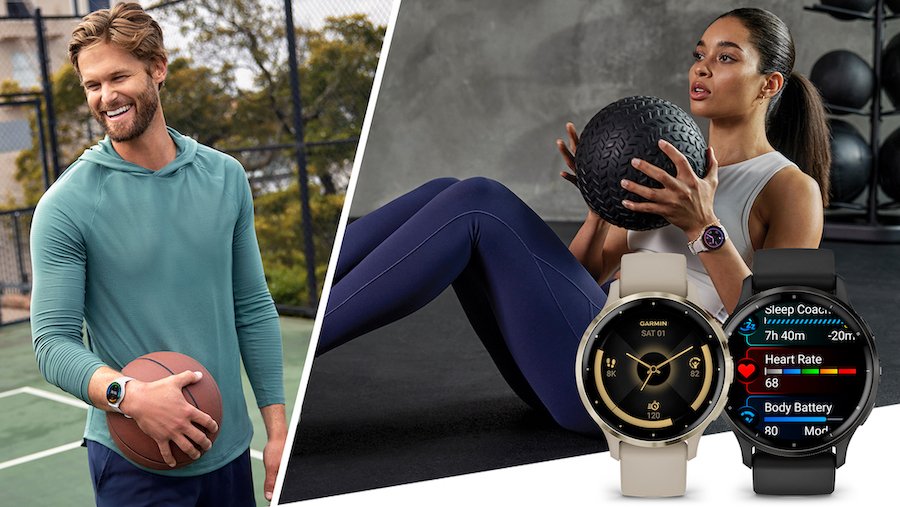
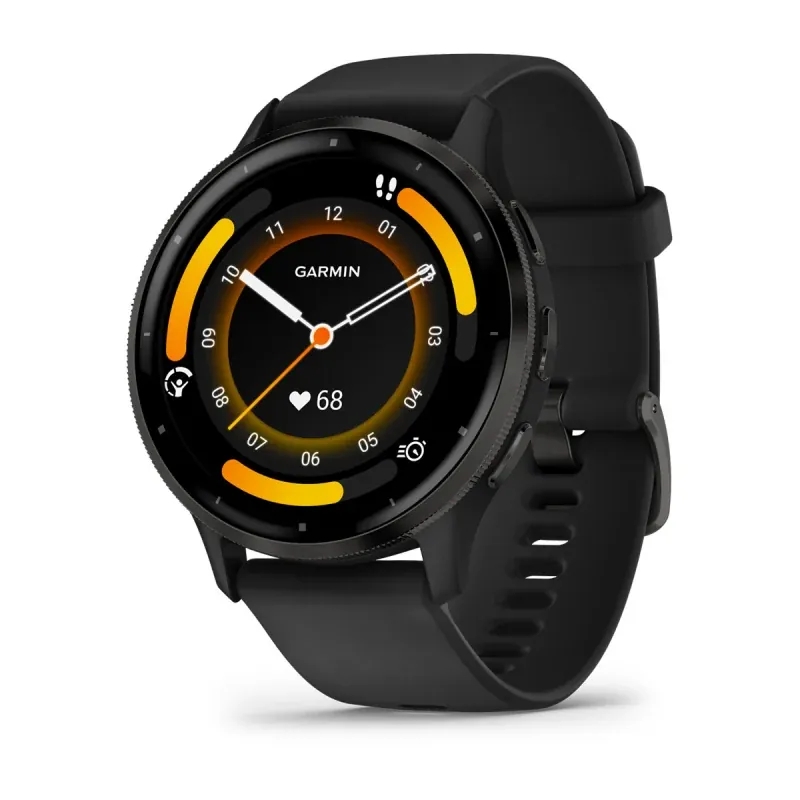
You can track your health and fitness data for up to 14 days on a single charge with a garmin – venu 3 gps smartwatch. This device provides tools for sleep coaching, heart rate monitoring, and workout tracking designed to help you understand your body better.
Getting to know your Venu 3 smartwatch
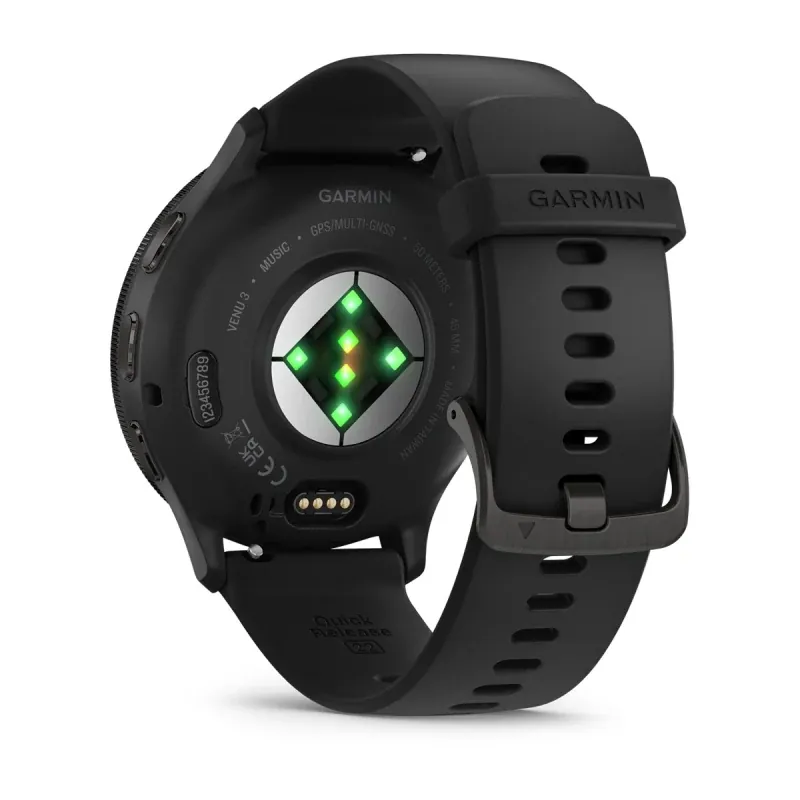
The Venu 3 balances health tracking with smart features. It tracks blood oxygen, stress, and heart rate daily. It provides actionable data for active users. The watch estimates activity via sensors, which requires a snug fit for accuracy.
How to set up your watch
- Download the Garmin Connect app on your smartphone and create an account.
- Turn on the watch by holding the top button until the logo appears.
- Open the app and follow the on-screen prompts to pair the device via Bluetooth.
- Set your daily step goal within the user settings.
- Sync the watch to download the latest firmware and time zone data.
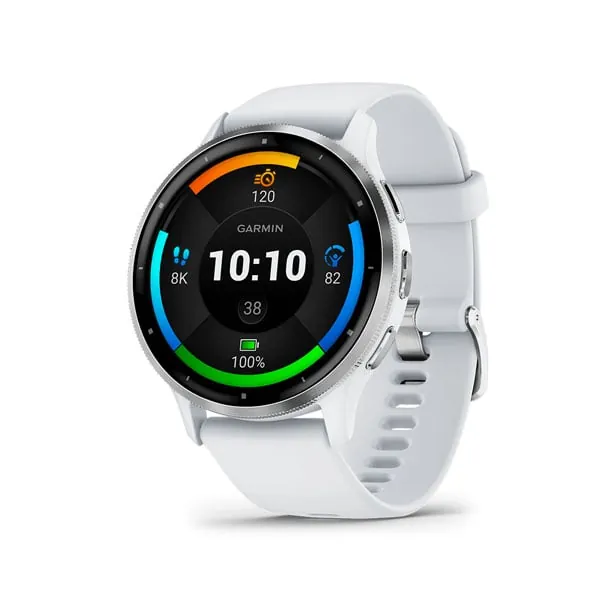
- Adjust the screen brightness to 30% or 40% to balance visibility and battery life.
The most important step is ensuring the strap is snug but comfortable. A strap that’s too tight blocks blood flow, while one too loose prevents clear sensor readings. Always follow the official Garmin Venu 3 safety guidance regarding skin irritation and sensor use.
Key numbers and settings
| Situation | What to use | How long | What to watch for |
|---|---|---|---|
| Daily use | Smartwatch mode | Up to 14 days | Battery percentage |
| Outdoor run | GPS mode | Up to 26 hours | Satellite signal |
| Sleep tracking | Sleep monitoring | 1 night | Battery drain |
| Intense sport | Heart rate alerts | 2-3 hours | Skin comfort |
Getting the best results
The watch needs time to learn your baseline metrics. Wear the device during sleep and exercise for the first week to build an accurate profile. Wait 14 days before manually adjusting heart rate zones, as automatic settings are reliable.
Check your “Body Battery” score to monitor energy levels. Choose lighter workouts if your score is low. This prevents overtraining. Stick to the device’s recovery suggestions to ensure your next workout is actually effective.
Fixing common tracking issues
| What you notice | What it usually means | What to do first |
|---|---|---|
| Heart rate spikes | Poor sensor contact | Tighten the strap |
| Slow GPS lock | Signal interference | Move to open air |
| Syncing fails | Bluetooth disconnect | Restart the watch |
| Short battery life | High brightness | Lower screen settings |
Regulatory and usage rules
The watch isn’t a medical device. It doesn’t diagnose or treat medical conditions. Consult a healthcare professional for precise medical data. Never rely on the watch for medical decisions. If you notice skin irritation, stop wearing the device and consult a doctor.
Maintenance and long-term care
Wipe the watch after workouts to remove sweat. Avoid soaps or chemicals that can damage the device. Check the Garmin support site if battery performance drops. The battery life depends on how many notifications you receive and how often you use the integrated GPS, so adjust your sync frequency if you notice it draining too quickly.
When to use a different approach
For professional-grade heart rate data, use a chest strap monitor. Wrist sensors are excellent for daily health but may struggle during high-intensity training. Also, if you require a device that functions independently of a smartphone for emergencies, look for a model with built-in cellular connectivity.
Related guides
- Best Smartwatch: Top Picks for Health Tracking and Battery Life
- GPS Trackers – A Complete Guide to Location Tracking and Safety
Frequently asked questions
Can I swim with the watch?
Yes, the watch is water-rated to 5 ATM, meaning it can withstand pressures equivalent to a depth of 50 meters. It’s safe for swimming, showering, and rain exposure.
How long does the battery last?
It lasts up to 14 days in smartwatch mode, assuming you use default settings and minimal GPS activity. Battery life decreases significantly when using GPS or the always-on display.
Is it safe to wear to sleep?
Yes, it’s designed for 24/7 wear to track sleep stages and recovery. Ensure the band is comfortable so it doesn’t restrict your circulation during the night.
What happens if I drop it?
Dropping the watch may damage the internal sensors or the screen glass. If the screen cracks or the sensors stop working, contact the manufacturer for a professional repair.
How do I reset the device?
You can perform a factory reset through the system settings menu on the watch. This erases all personal data, so sync your watch with the app first.
Does it work without a phone?
Yes, it tracks activity and health data locally, but you need a phone to sync the data to the app and receive notifications or weather updates.
Conclusion
Maintaining your device properly ensures it stays accurate for your daily activities. If you find the data doesn’t match your expectations, check the fit of the strap and the cleanliness of the sensors first. These small habits keep the hardware running smoothly for years.