
Improving your health is easier when you use technology fitness tools to track your daily activity, heart rate, and sleep patterns. These devices provide data that helps you stay consistent with your exercise goals. This guide covers how to choose and use these tools effectively for long-term health monitoring.
How fitness technology works
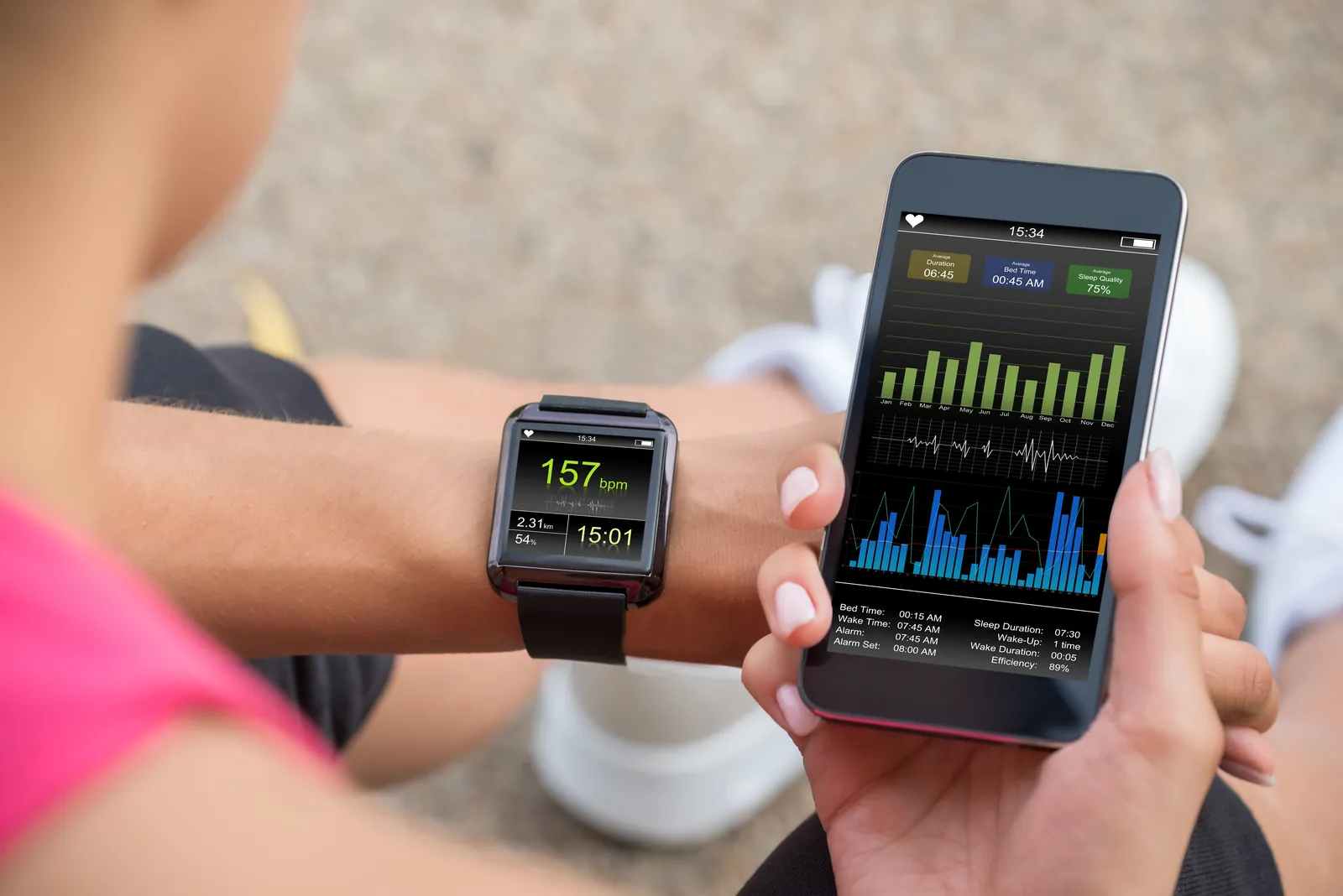
Digital health tools include wearable trackers, smart scales, and apps to monitor performance. Sensors measure movement or biological signals, processed into data on your smartphone. These devices track progress in real-time, from walking steps to gym intensity.
These tools don’t do the work for you. You must act on the data to see changes. According to the Physical Activity Guidelines for Americans published by the U.S. Department of Health and Human Services, adults should aim for 150 minutes of moderate-intensity exercise each week to improve their health.
Steps for Tracking Your Activity
- Charge your device fully before the first use, which usually takes about 2 hours.
- Download the official app from the manufacturer and create a profile with your age, weight, and height.
- Secure the band firmly on your wrist, ensuring it’s tight enough to read your pulse but not uncomfortable.
- Sync the device with your phone at least once every 24 hours to keep your data current.
- Set a daily step goal, starting with 5,000 steps if you’re a beginner, and increase it by 500 each week.
- Review your weekly activity report to see if you’re hitting your target of 150 minutes of movement.
The success of these tools depends on your consistency. If you wear the device every day, you get a clear picture; if you only wear it during workouts, you’ll miss the data on your daily movement levels.
Key Tracking Figures
| Situation | What to use | How long | What to watch for |
|---|---|---|---|
| Daily walking | Wrist tracker | All day | Total step count |
| High intensity | Chest strap | During workout | Heart rate zone |
| Sleep quality | Wearable device | Overnight | Restful hours |
| Weight trends | Smart scale | Weekly | Body mass index |
| Hydration | Tracking app | Daily | Fluid intake |
Habits for Better Data Accuracy
Experienced users know that preparation is the secret to good data. They always wear the device on the same wrist and ensure the sensors are clean of sweat or lotion. Dirty sensors lead to incorrect heart rate reports.
Solving Common Device Issues
| What you notice | What it usually means | What to do first |
|---|---|---|
| Device not syncing | Bluetooth connection lost | Restart your phone |
| Heart rate blank | Sensor is too loose | Tighten the strap |
| Low battery | Background syncing | Turn off notifications |
| Data seems wrong | Incorrect profile data | Check your weight/age |
Following Safety and Privacy Rules
You should always read the privacy policy of the app you use to store your health information. Many manufacturers state that they own the data generated by your device, which means they might share it with third parties.
Caring for Your Tracker
Keep your device clean by wiping it with a damp cloth after every workout to prevent skin irritation. When the battery life starts to drop significantly, it’s usually time to replace the battery or the device itself.
Choosing the Right Tool
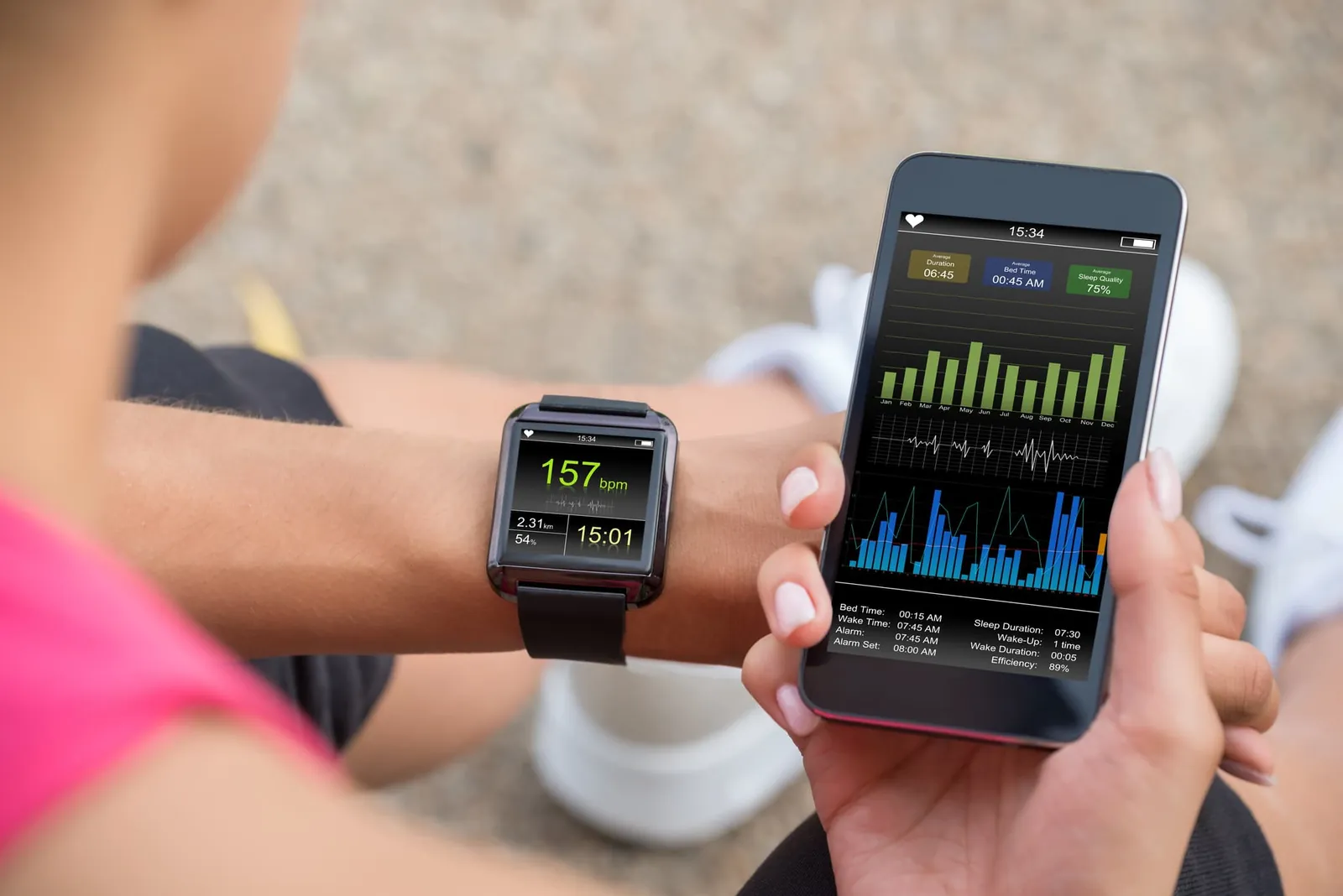
If you only want to count steps, a simple pedometer is often better than a complex watch. Choose a device matching your activity level to avoid paying for unused features.
Frequently asked questions
Can I trust my fitness tracker for heart rate?
Yes, most trackers are accurate for general wellness, but they aren’t medical devices; if you have heart concerns, use a medical-grade monitor recommended by your doctor.
How often should I charge my fitness device?
It depends on the model, but most trackers need charging every 3 to 7 days depending on your use of features like GPS, which drains the battery much faster.
Is it safe to wear my tracker while swimming?
Yes, but only if your specific device is rated for water resistance; check the manufacturer’s manual for the exact depth and time limits for your device model.
What happens if I forget to wear my tracker?
Your data will show a gap for that time, but it won’t affect your long-term averages if you stay consistent with your movement on other days.
How long does a fitness tracker usually last?
Most trackers last for a significant period with daily use, after which the battery capacity often declines and the sensors may become less precise over time.
Why is my step count different from my phone?
It’s usually because your phone only tracks steps when it’s in your pocket, while a wearable device tracks movement on your wrist throughout the entire day.
Conclusion
Consistency is the most important factor when using fitness technology. By wearing your device daily and checking your data, you create the habits necessary to reach your health goals. Even when the numbers are low, seeing them helps you adjust your behavior for the next day.